
Nursegrid App: Calendar

The #1 app for nurses

Download the app
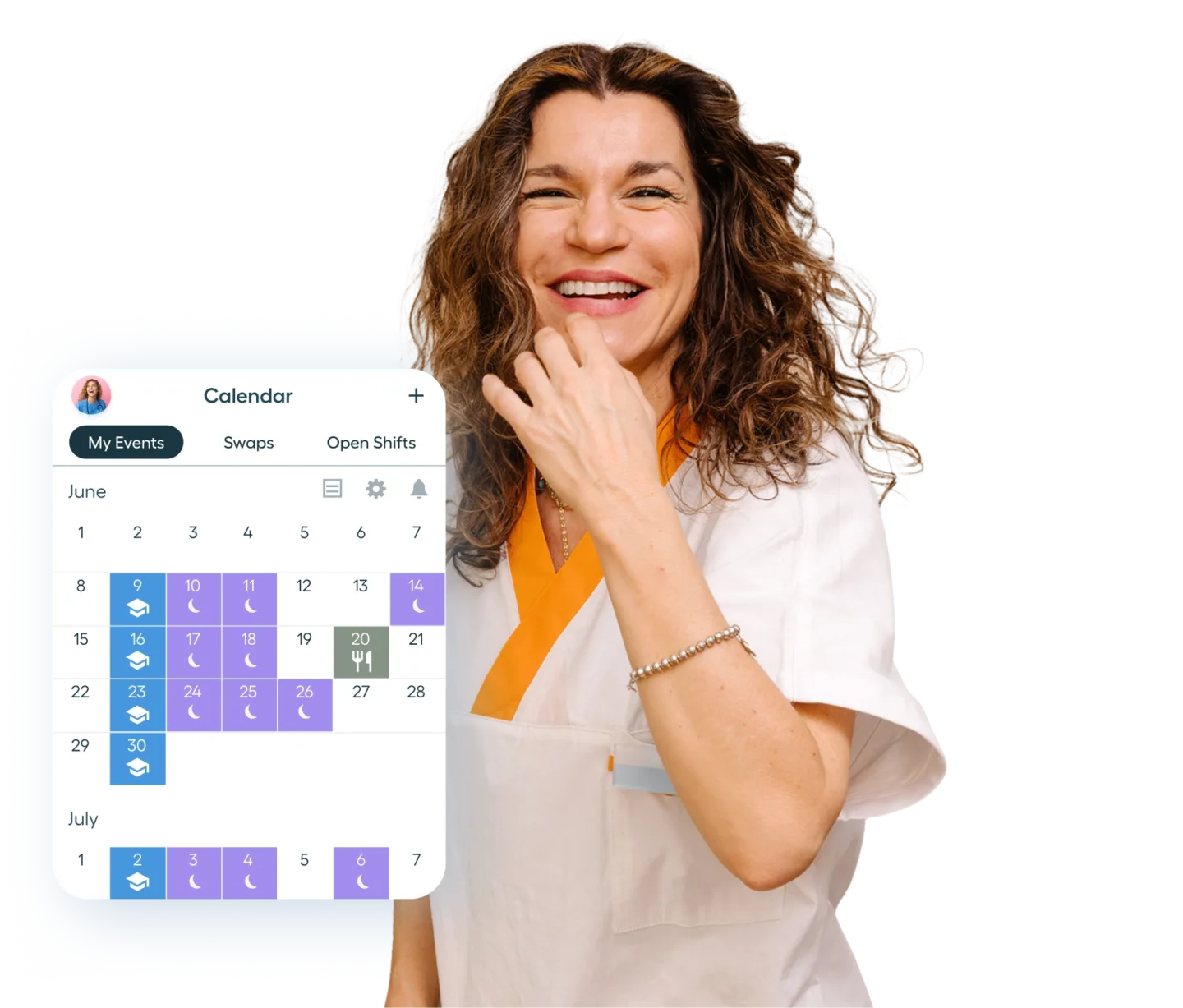
Smiling woman in a white uniform with orange trim stands beside a digital calendar showing June and early July, highlighting work shifts and events with icons and colored blocks.
Smiling woman in blue medical scrubs talking on a phone while holding a partially eaten cookie in a kitchen with a backpack over one shoulder.
Control your calendar

Simplify your busy schedule

Nursegrid helps you keep track of when you’re working, when you’re off, and how it all fits together. Add shift notes, see your schedule at a glance, set reminders, and stay organized with our easy-to-use app.
Download the app

Keep everything in one place

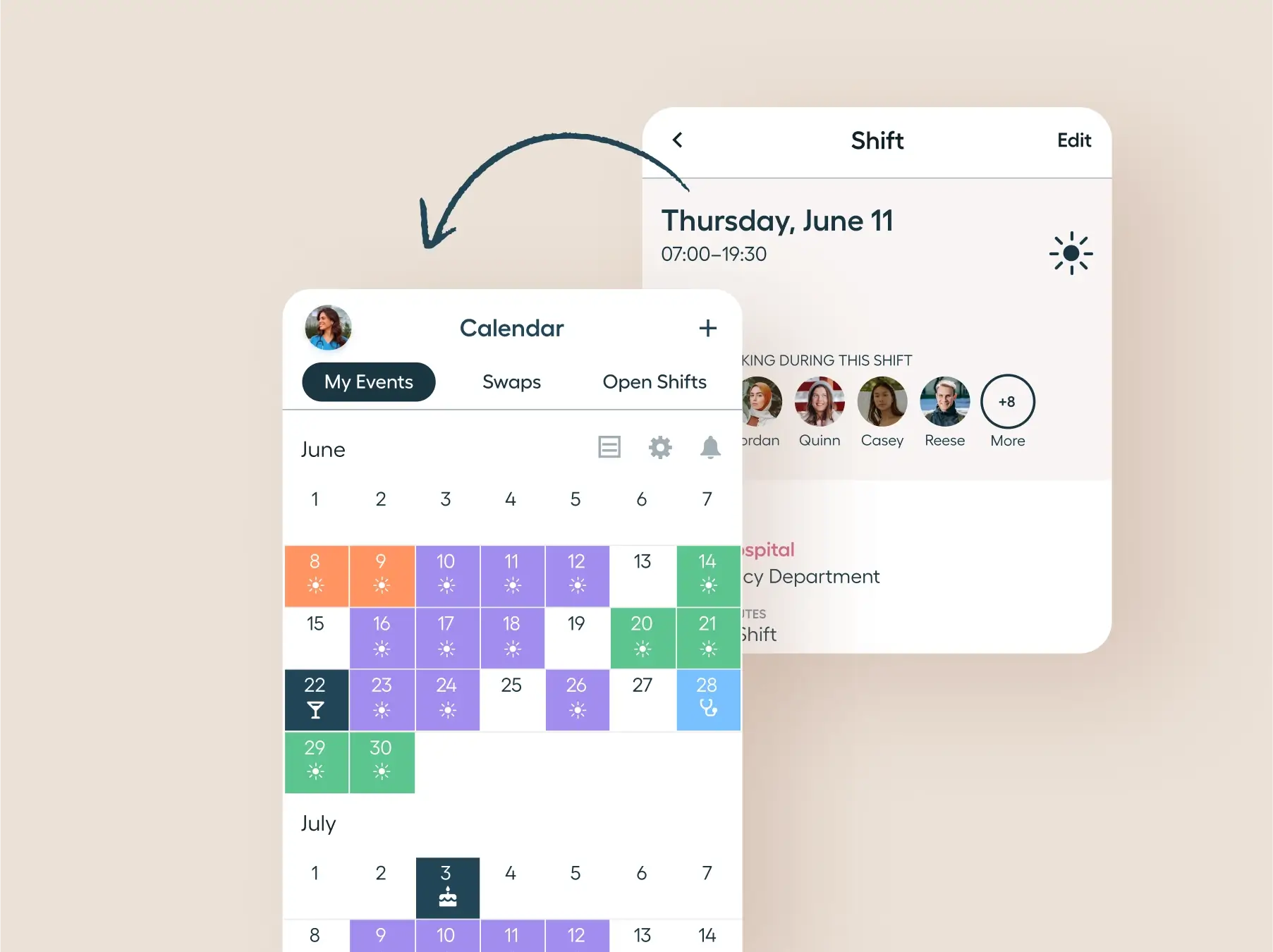
Mobile app interface showing a calendar for June and July with color-coded events and weather icons, under tabs My Events, Swaps, and Open Shifts. An arrow points to a detailed shift view for Thursday, June 11, from 07:00 to 19:30 with user avatars indicating people working that shift.
1/6

Add your schedule in seconds

Enter full 6-week schedules with just a few taps—fast, simple, and flexible.
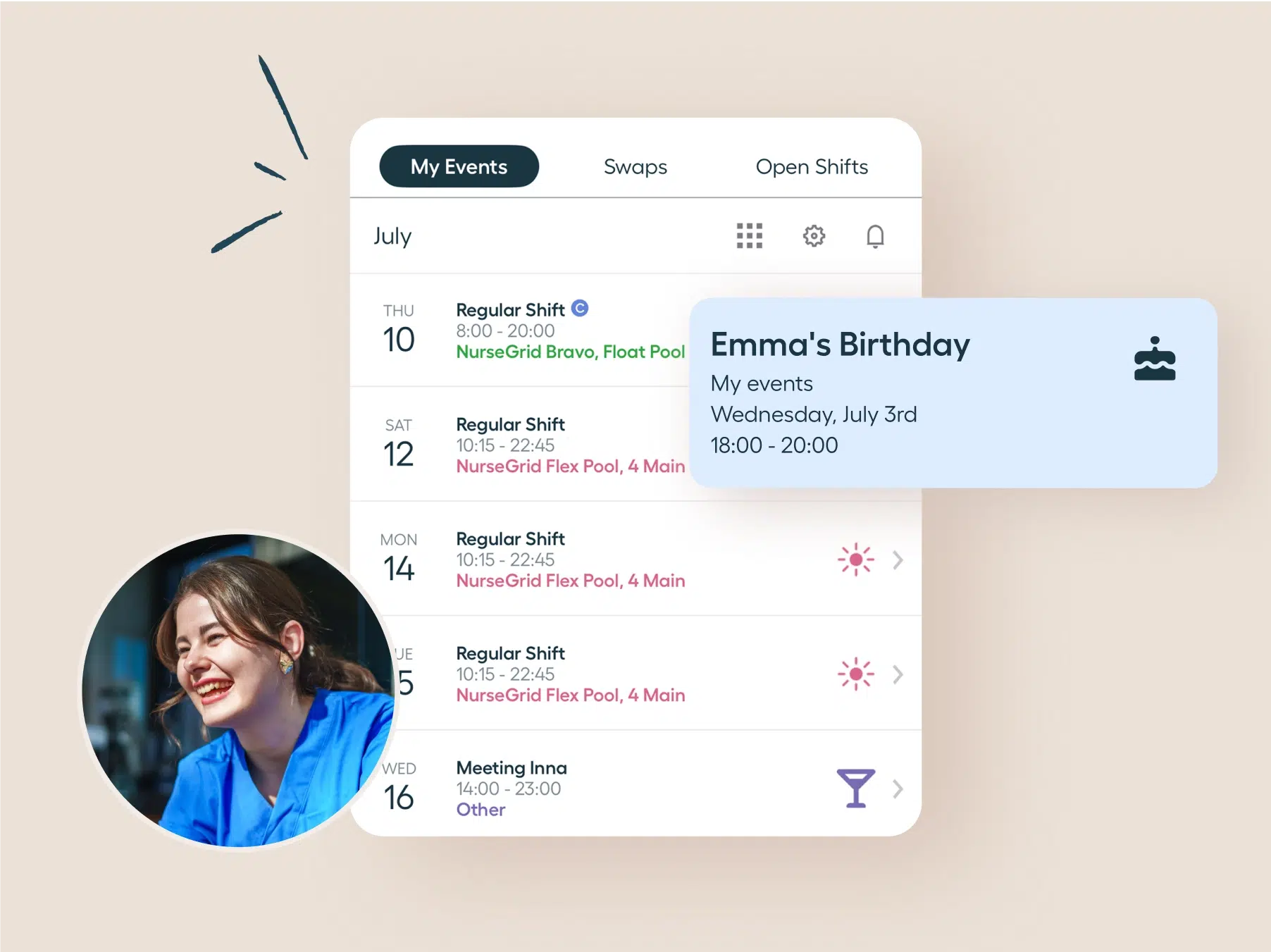
User interface of a calendar app showing scheduled events for July with tabs My Events, Swaps, and Open Shifts; events include regular shifts and a meeting, with a pop-up note for Emma's Birthday event on Wednesday, July 3rd from 18:00 to 20:00; a smiling person wearing a blue shirt is shown in a circular photo on the lower left.
2/6

See your personal events too

Combine worksite shifts with your personal calendar for a full view of your day, week, or month.
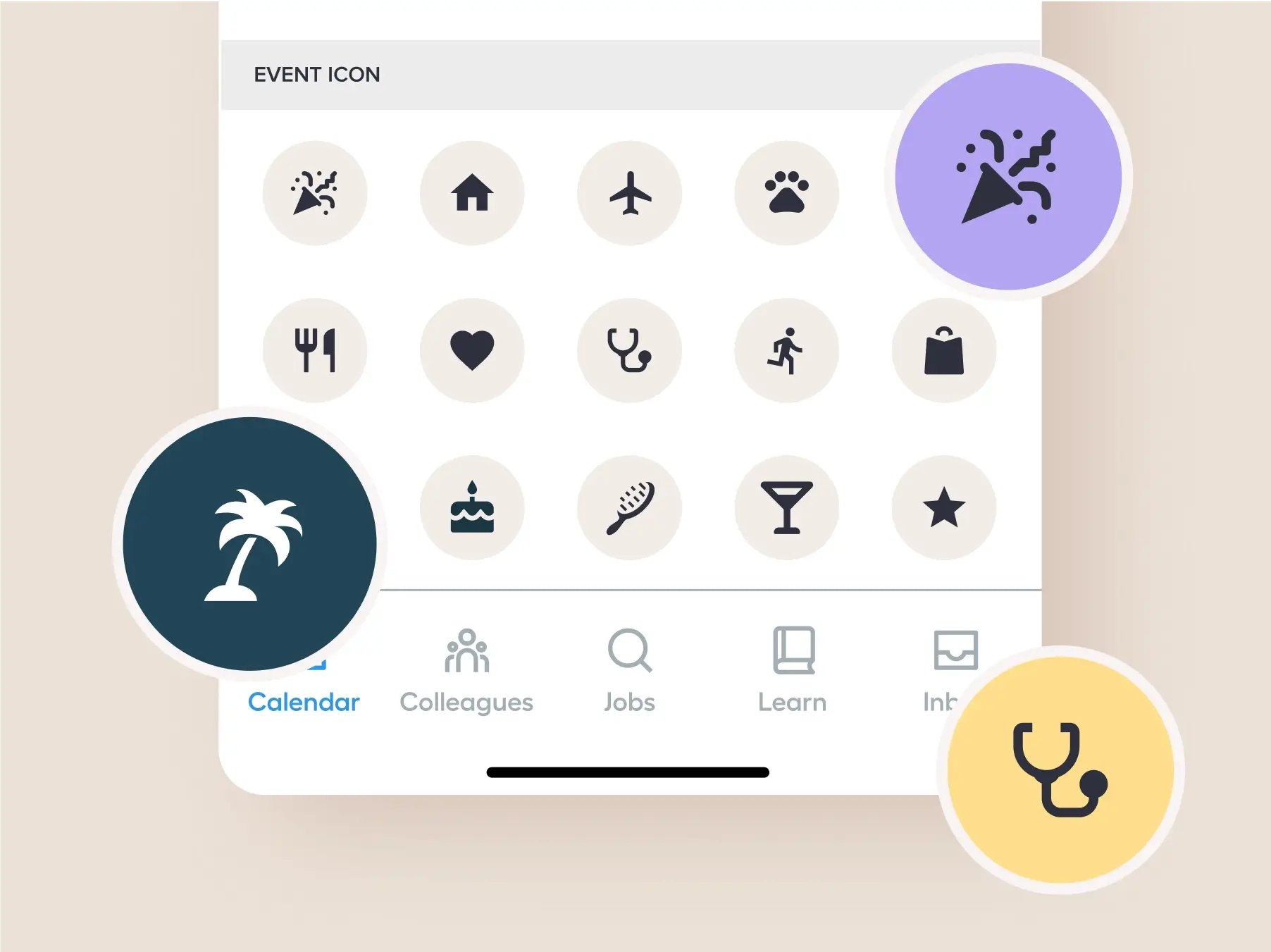
Screen showing an event icon selector with various circular icons including a party popper, house, airplane, paw, utensils, heart, stethoscope, running person, shopping bag, palm tree, birthday cake, hairbrush, cocktail glass, and star, with some icons highlighted in circles. Below are also navigation tabs labeled Calendar, Colleagues, Jobs, Learn, and Inbox.
3/6

Make it pop with colors & icons

Use vibrant custom colors and icons to keep work and personal plans clear at a glance.
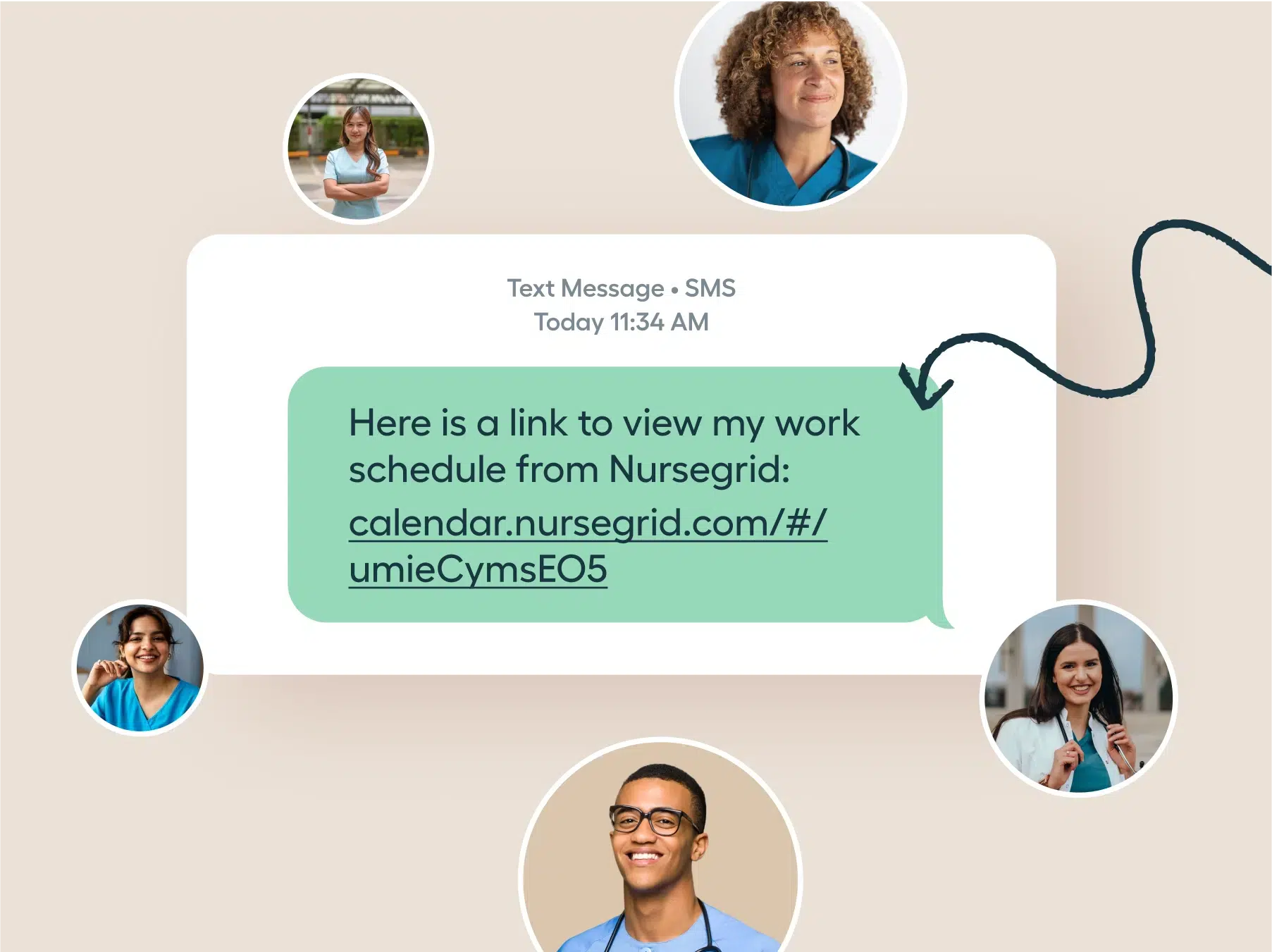
A text message on a beige background says, 'Here is a link to view my work schedule from Nursegrid: calendar.nursegrid.com/#/umieCymsEO5' surrounded by circular photos of five smiling healthcare professionals in scrubs and lab coats.
4/6

Share your schedule with loved ones

Send a calendar link so friends and family can easily see when you’re working.
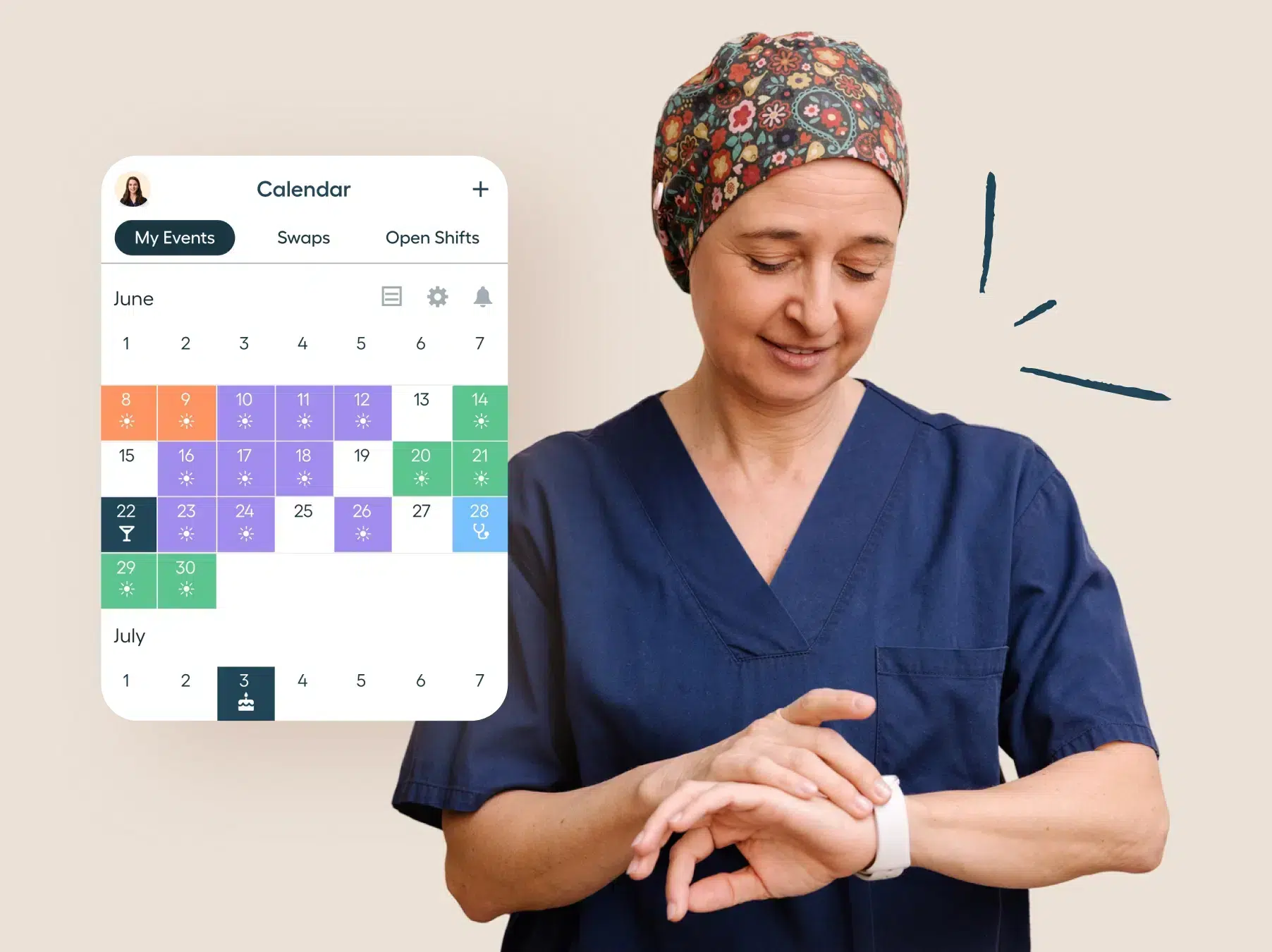
A healthcare worker in blue scrubs and a floral patterned cap looks down and interacts with a white smartwatch on her wrist, with a calendar interface displayed next to her showing June and July dates with color-coded events and shifts.
5/6

At a glance on your wrist

Check your calendar on the go with our companion smart watch app.

Smiling healthcare worker in blue scrubs next to a graphic showing a mobile app screen prompting users with 'Ready to reflect?' and a button labeled 'Get Started,' alongside sliders measuring emotions Proud, Grateful, and Excited with intensity levels.
6/6

Take a minute to reflect on your shift

Every shift has its challenges. Create a practice of well-being designed specifically for nurses, by nurses.


A horizontal pattern of repeated geometric shapes including squares, circles, and quarter circles arranged in a continuous row.
The #1 app for nurses

Nurses love Nursegrid

Five star rating

Nursegrid is my absolute favorite! It is the only planner I use now since becoming a nurse 3.5 years ago.

baileyeem
Five star rating

I love using nurse grid because I can quickly see my days that I’m working without having to have a bunch of clutter in my calendar.

Remysmum1579
Five star rating

I love this app! Since I work 2 hospitals, I can see at a quick glance what days I’m at what hospital AND see my friends’ schedules too!

jreiniche
Five star rating

I love this app!! I can keep my schedule straight, I can add extra shift I sign up for, I can add my ETO/PTO days, I can mark my paydays, and I can change colors for which department I am scheduled to work in!

maeeeeeeeeeeeeeeeeeeeeeee
Five star rating

Absolutely love this app!! Love how you can just tap multiple days and it just shows a moon icon to represent nights (sun icon for days). Another awesome feature is the ability to see when my friends are working or free so we could plan dinner or trips together.

Mrchatterbox86

FAQs

I work multiple jobs. Can I add them all to Nursegrid?
Bold navy blue plus sign with rounded ends.
Can I add personal events, too?
Bold navy blue plus sign with rounded ends.
Can I share my calendar with friends and family?
Bold navy blue plus sign with rounded ends.
How do I see my coworkers’ schedules?
Bold navy blue plus sign with rounded ends.
Can Nursegrid send me reminders for shifts?
Bold navy blue plus sign with rounded ends.
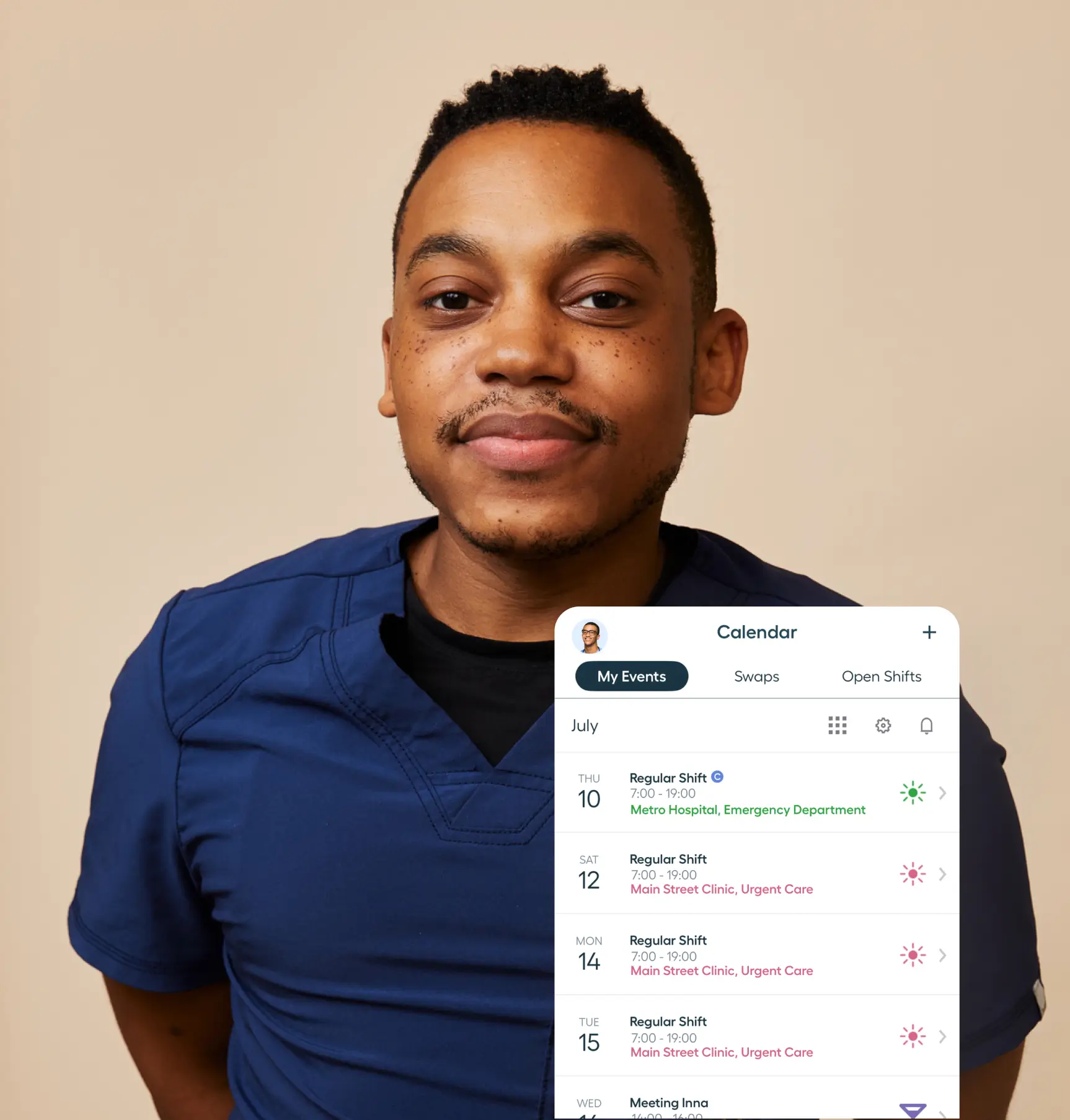
Portrait of a smiling man wearing blue medical scrubs against a beige background with a digital calendar overlay showing scheduled work shifts for July at Metro Hospital Emergency Department and Main Street Clinic Urgent Care.

#NurseLife lives on Nursegrid

What started as the #1 nurse schedule app has grown into a comprehensive tool for nurses nationwide. We’re just getting started—explore how we can support your day even more.